
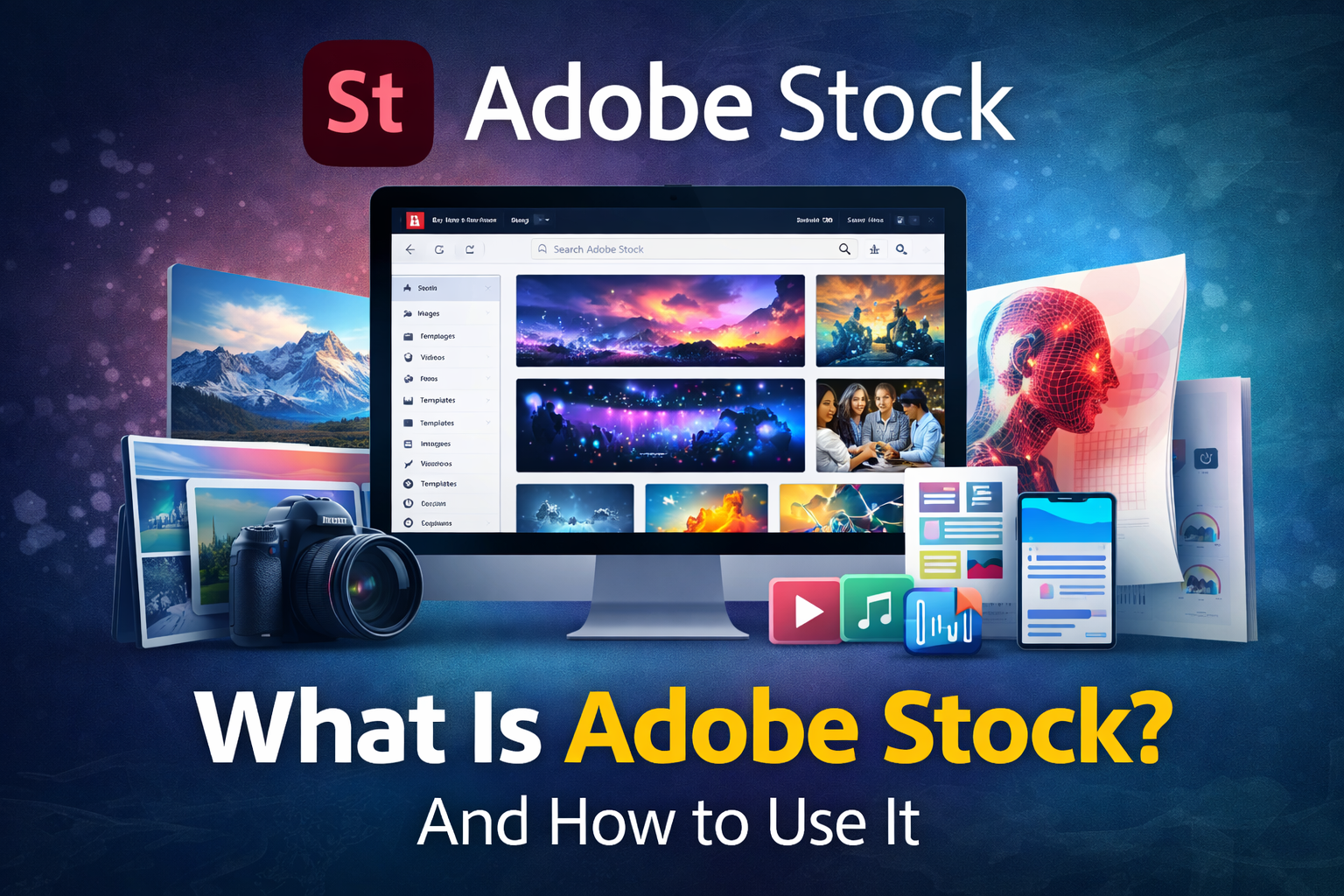
What is Adobe Stock? A Complete Guide
Adobe Stock is an online marketplace where designers, marketers, bloggers, and businesses can buy and sell high-quality digital assets such as photos, videos, illustrations, templates, and 3D objects. It is part of the creative ecosystem developed by Adobe, the same company behind popular software like Adobe Photoshop, Adobe Illustrator, and Adobe Premiere Pro.
The platform helps creative professionals quickly find ready-to-use content for projects such as blogs, advertisements, websites, social media posts, and marketing campaigns. Instead of creating everything from scratch, users can license existing content from millions of contributors worldwide.
Today, Adobe Stock contains hundreds of millions of assets, making it one of the largest stock media libraries in the world.
What You Can Find on Adobe Stock
Adobe Stock provides many types of creative resources. Some of the most popular categories include:
1. Stock Photos
High-quality professional photographs covering almost every topic, such as:
- Business
- Technology
- Lifestyle
- Travel
- Food
- Nature
These photos are widely used for blogs, websites, social media posts, and advertisements.
2. Stock Videos
Short video clips that can be used in:
- YouTube videos
- Commercials
- Marketing campaigns
- Films and documentaries
Many creators use these clips with editing software like Adobe Premiere Pro.
3. Illustrations and Vectors
Graphic designers often use vector graphics created in Adobe Illustrator for:
- Logos
- Infographics
- Posters
- Website graphics
Vectors can be resized without losing quality.
4. Templates
Templates help designers create projects faster. You can find templates for:
- Social media posts
- Business presentations
- Website layouts
- Video intros
These templates often work directly with software like Adobe Photoshop and Adobe After Effects.
5. Music and Audio
Adobe Stock also offers background music and sound effects that can be used in videos and podcasts.
6. 3D Assets
3D models, materials, and lighting files that can be used in animation and game development.
Key Features of Adobe Stock
1. Integration with Adobe Creative Cloud
One of the biggest advantages of Adobe Stock is that it works directly with the Creative Cloud ecosystem.
For example:
- Designers using Adobe Photoshop can search Adobe Stock without leaving the program.
- Video editors using Adobe Premiere Pro can import stock videos instantly.
This saves time and improves workflow.
2. Millions of High-Quality Assets
Adobe Stock hosts millions of creative assets uploaded by professional photographers, artists, and videographers.
Users can search by:
- Keyword
- Category
- Color
- Orientation
- Style
This makes it easy to find exactly what you need.
3. AI Search Technology
Adobe uses artificial intelligence through Adobe Sensei to improve search results.
This technology helps users:
- Find visually similar images
- Identify objects inside photos
- Get better recommendations
4. Licensing System
When you download an image from Adobe Stock, you are purchasing a license, not the full ownership.
Common licenses include:
Standard License
Allows use for:
- Websites
- Blogs
- Social media
- Marketing materials
Extended License
Allows use for:
- Products for resale
- Large commercial campaigns
- Merchandise
How to Use Adobe Stock (Step-by-Step)
Using Adobe Stock is simple. Here is the complete process.
Step 1: Create an Adobe Account
First, create an account on the Adobe Stock website using your Adobe ID.
If you already use Adobe Creative Cloud tools like Adobe Photoshop, you can use the same account.
Step 2: Search for Assets
Use the search bar to find content.
For example, you can search:
- “Business meeting”
- “Technology background”
- “Nature landscape”
You can also filter results by:
- File type
- Orientation
- Color
- Price
Step 3: Preview the Asset
Before buying, Adobe allows you to preview assets with a watermark.
This helps you see if the asset fits your project.
Step 4: Purchase a License
To download the file without watermark, you must buy a license.
Adobe offers two payment methods:
Subscription Plan
Monthly plans allow users to download a specific number of assets per month.
Credit Packs
You can buy credits and use them whenever needed.
Step 5: Download and Use
After licensing the asset, you can download it in high resolution and use it in your project.
For example:
- Insert photos into blog posts
- Add video clips to YouTube videos
- Use graphics in marketing materials
How to Make Money on Adobe Stock
Adobe Stock is not only for buyers; creators can also earn money.
Photographers, designers, and videographers can upload their work and sell it.
How it works
- Create a contributor account on Adobe Stock
- Upload your photos, videos, or illustrations
- Add keywords and descriptions
- When someone downloads your work, you earn royalties.
Contributor earnings
Creators typically earn 33% commission for photos and 35% for videos.
Many photographers earn passive income by selling stock content.
Advantages of Adobe Stock
Easy integration
Works smoothly with software like Adobe Photoshop and Adobe Illustrator.
Huge content library
Millions of assets covering almost every industry.
Professional quality
Content is reviewed before being published.
Time-saving
Ready-made assets speed up design projects.
Disadvantages of Adobe Stock
Cost
High-quality assets can be expensive for beginners.
Licensing limitations
Some licenses restrict how content can be used.
Competition for contributors
Selling stock content can be difficult due to many contributors.
Who Uses Adobe Stock?
Many professionals rely on Adobe Stock, including:
- Graphic designers
- Bloggers and content creators
- Marketing agencies
- Video editors
- Website developers
- Social media managers
Companies often use Adobe Stock to save time and maintain professional visual quality.
Attenation
Adobe Stock is one of the world’s leading platforms for stock photos, videos, illustrations, and creative assets. Developed by Adobe, it integrates seamlessly with creative software like Adobe Photoshop and Adobe Premiere Pro, making it a powerful tool for designers and content creators.
Whether you are a blogger looking for images, a designer creating marketing materials, or a photographer wanting to sell your work, Adobe Stock provides a reliable and professional marketplace.
With millions of assets available and strong integration with creative tools, Adobe Stock continues to be an essential platform for modern digital content creation.

Leave a Reply